Context
The bank had started deploying its own ATMs across the city and partnered with another bank to expand the network. Users needed a convenient way to find the right ATM directly from the app — factoring in available operations, currencies, and working hours.
Goal
Design an ATM map within the mobile app that allows users to:
- Find the nearest ATM with the right function — cash withdrawal or deposit;
- Confirm that the ATM is operating now or will be at the planned time;
- Check whether the ATM has the required amount in the right currency;
- Get clear directions to the ATM — including indoor navigation within malls or stores.
About the Product
The bank issues its own card that supports cash withdrawals and deposits at ATMs. At launch, the bank's own ATM network was limited, so a partnership with another bank was established to extend coverage. The map displays both networks — the bank's own ATMs and partner ATMs — each with different fee structures and available operations.
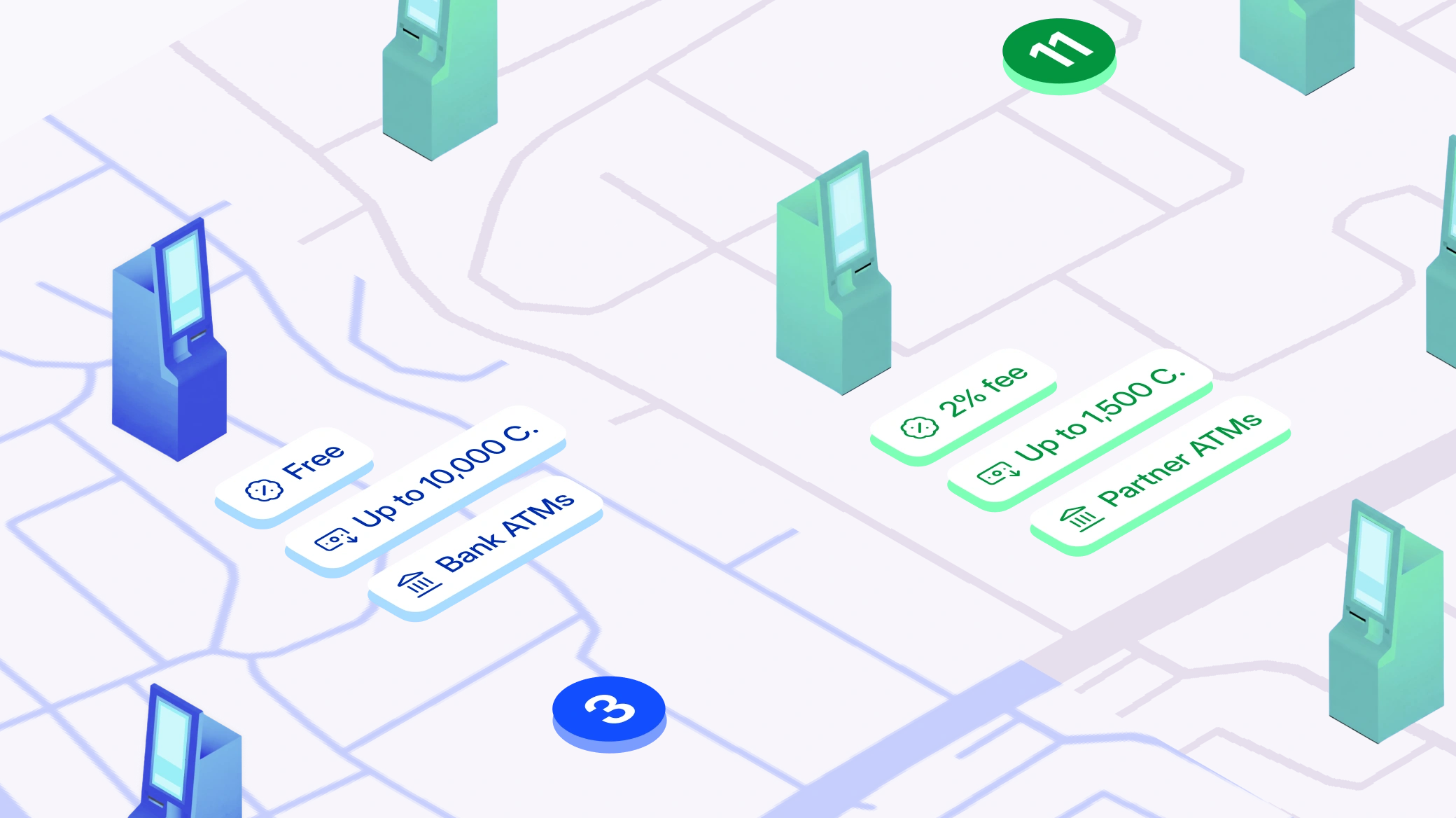
A key characteristic of the product is that ATMs in the region operate with multiple currencies, and users need to know in advance what amounts are available. Without this information, a trip to the ATM could be a waste of time.
Approach
We started by defining the core user task: find the nearest suitable ATM, make sure it will be open at the right time, and get directions. "Suitable" means the right function, the right currency, and a sufficient amount.
From this, we derived our design principles:
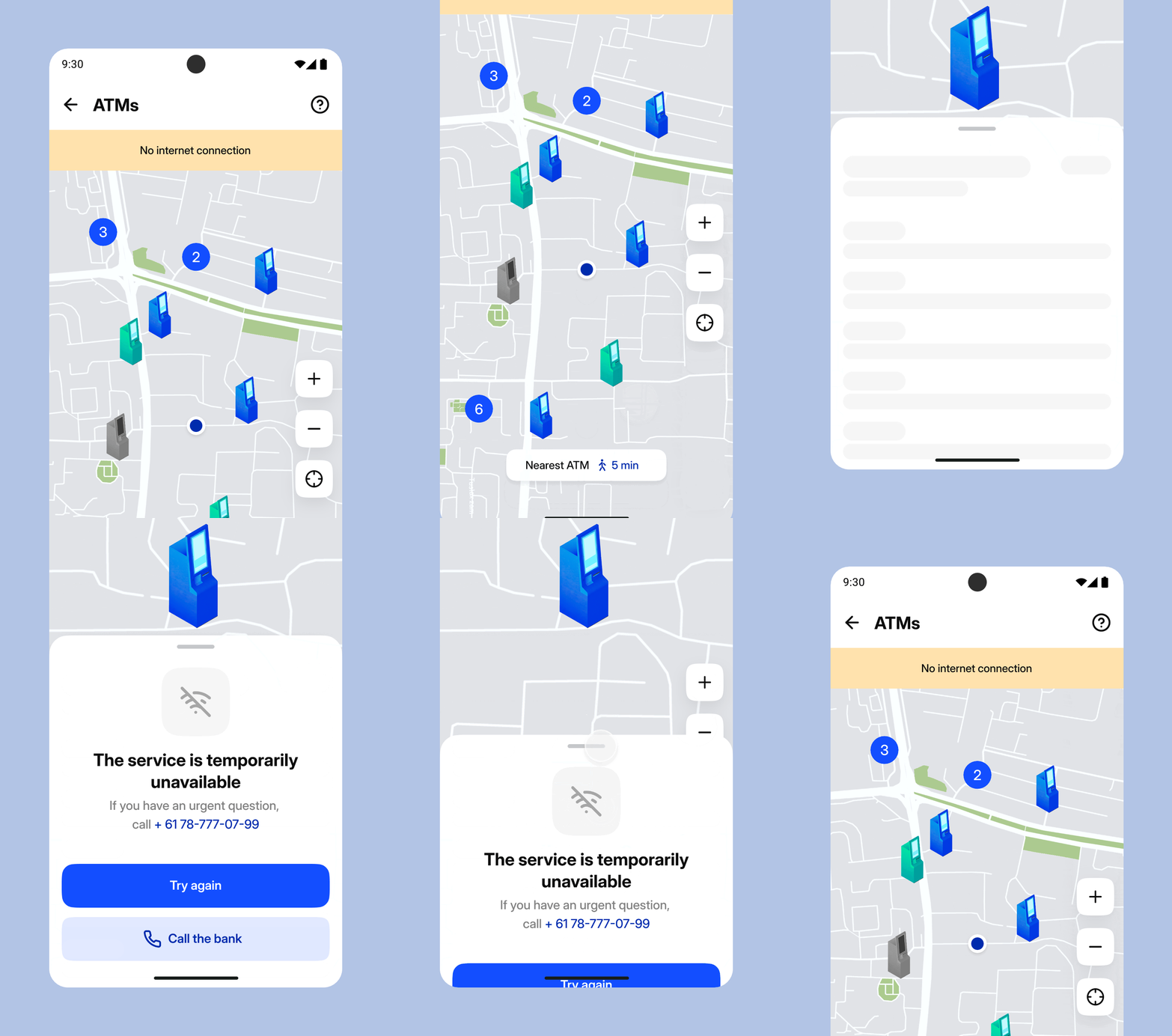
- The map should be useful even without internet — ATM data is cached locally in the app;
- Don't overload the map: filters should remove noise, not add complexity;
- Navigation means more than a route on a map — it also includes instructions for finding an ATM inside a building.
The Solution
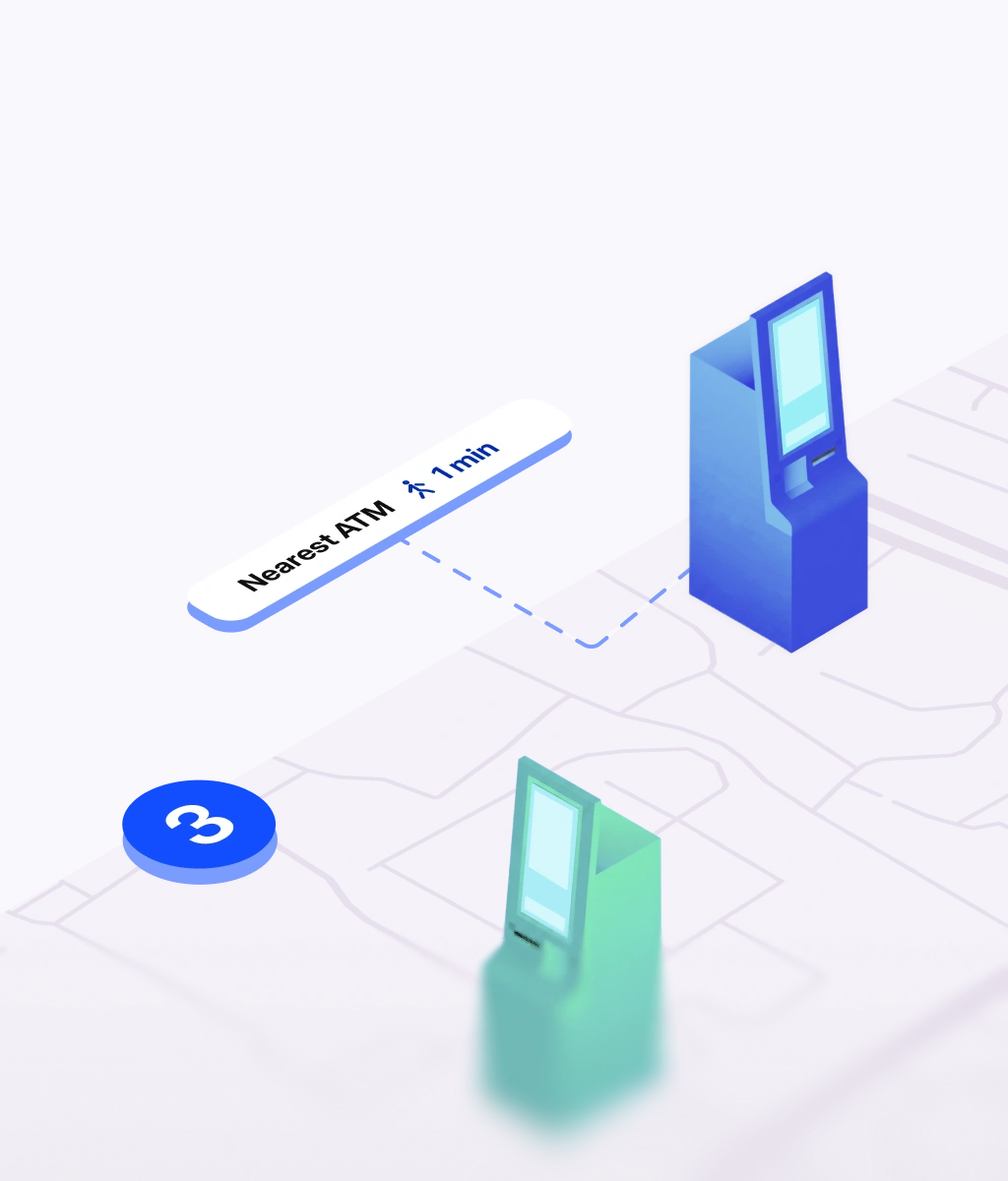
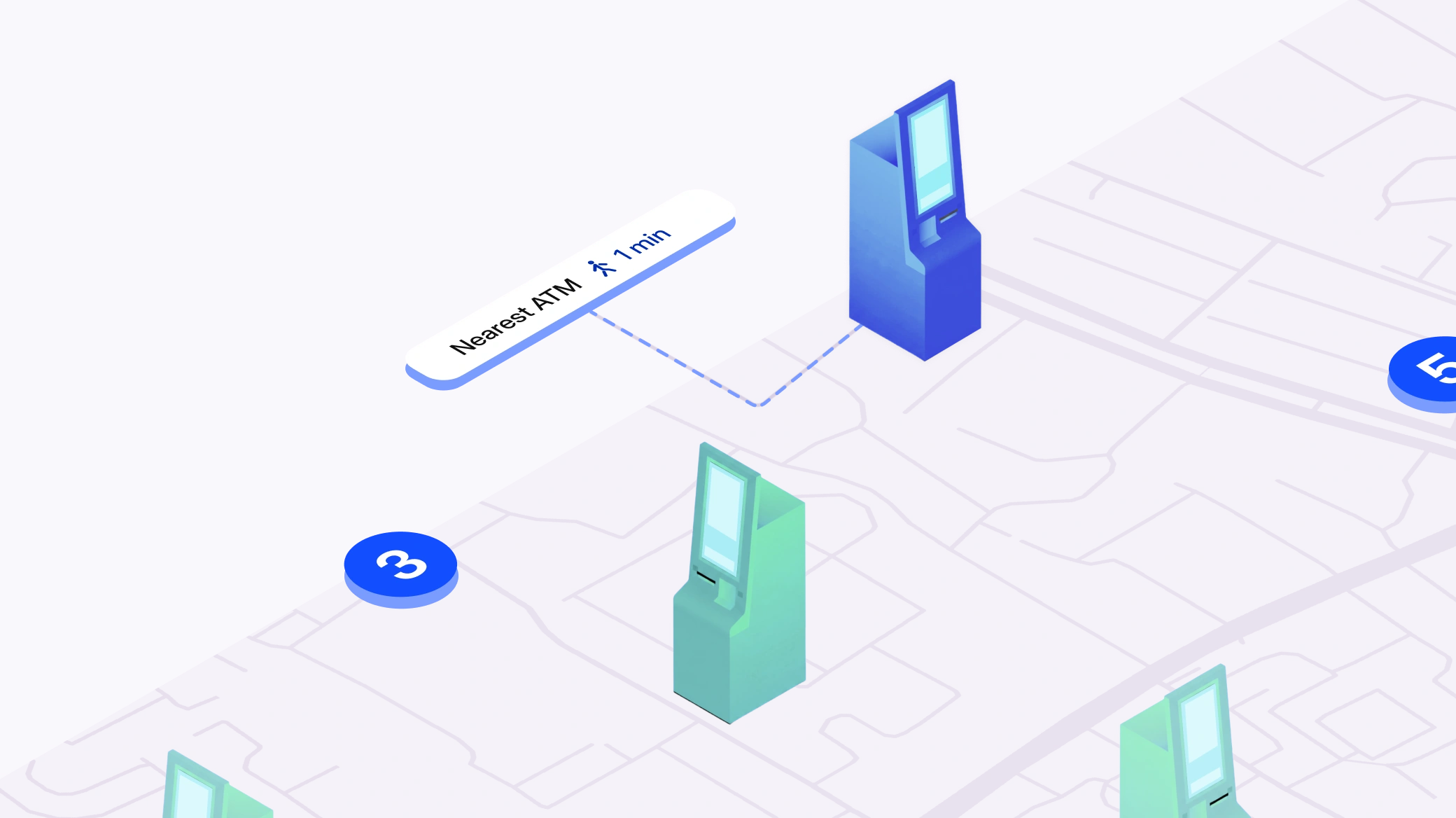
The map displays ATMs from both networks — the bank's own and the partner's. Users can filter by operation type, working hours (open now, 24/7), and network. For a quick start, we added a "Nearest ATM" button that instantly highlights the closest active ATM.
The ATM detail card shows key information: address, working hours, available operations, and — a standout feature — available amounts in different currencies. Users can verify beforehand that the amount they need is actually in the ATM, avoiding a wasted trip.
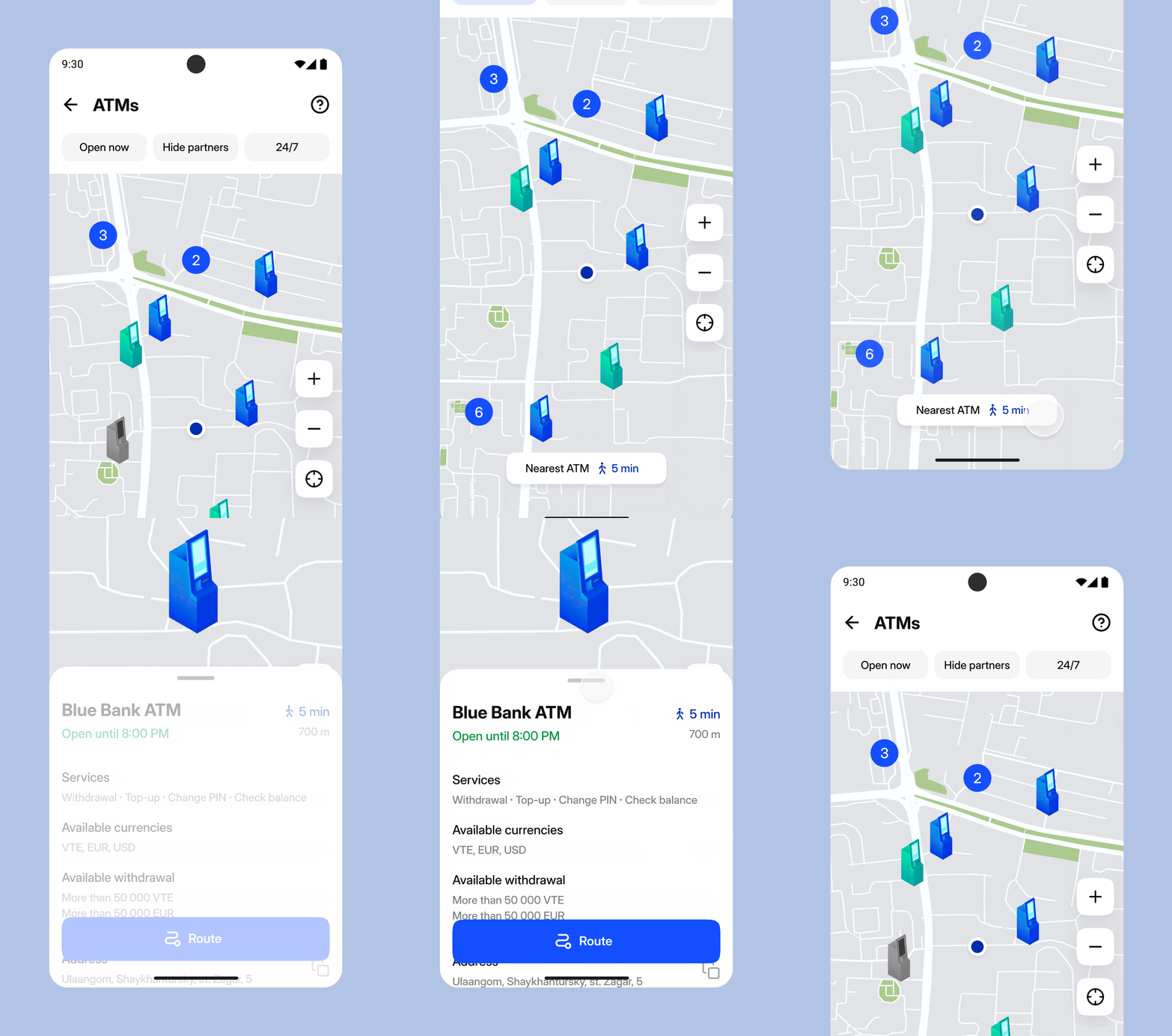
If the ATM doesn't have enough cash, a "Need more?" button appears. It opens a list of nearby ATMs with sufficient funds — walking-distance options first, then those reachable by transport.

Navigation to the ATM works on two levels: a "Get directions" button opens a maps app for walking or transit routing, while for ATMs inside buildings we added text-based instructions — how to find the ATM within a mall or store.
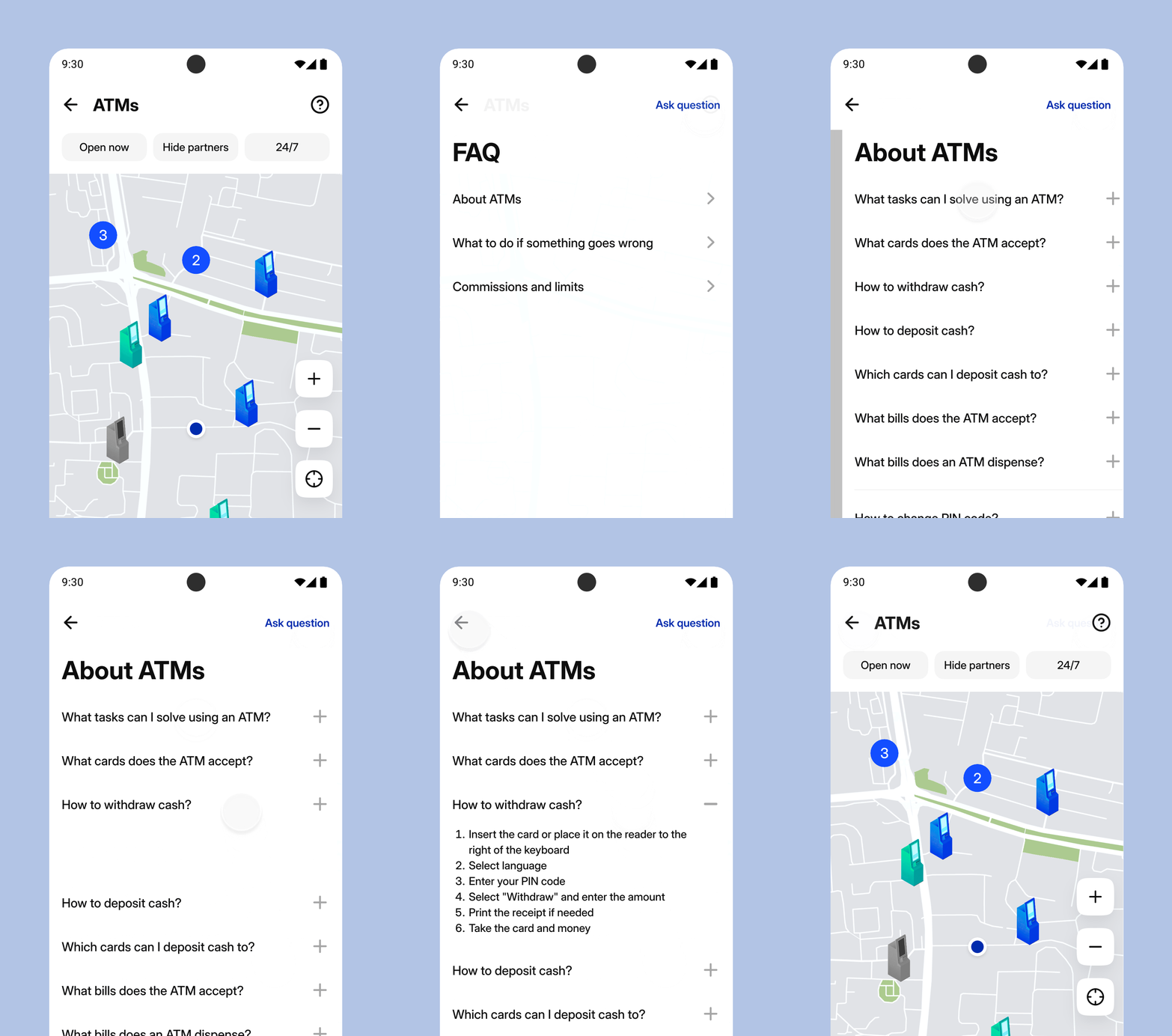
The ATM section also includes an FAQ: usage instructions, fee and limit information, and what to do if something goes wrong.
All ATM data is cached in the app. We designed dedicated screen states for situations when internet is unavailable — users still see the most recent information from the last update.
Results
We built a tool that solves the user's problem before they leave home or the office:
- Users find the right ATM in seconds — with the right currency, amount, and working hours;
- Filters and the "Nearest ATM" button minimize the steps to a result;
- Real-time availability of cash amounts eliminates wasted trips;
- The section works offline, which is critical for a region with inconsistent connectivity.
If your app has a map, a branch finder or any location flow that people open in a hurry, that is the kind of problem we take on — see what we do.